8. Lustre and Python
The editors are not a closed world. A model written in Lustre, the synchronous language of Scade and Kind2, opens as a circuit; a circuit exports as a Python program for intrepyd, the library underneath.
A Lustre model as a circuit
Here is the doors' lock again, written in Lustre, with its property: a door asked to open while the vehicle moves stays locked. (door_lock.lus)
node door_lock(open_request: bool; speed: int) returns (lock: bool);
var was_moving: bool;
let
  was_moving = false -> pre(speed) > 0;
  lock = open_request and (speed > 0 or was_moving);
  --%PROPERTY open_request and speed > 0 => lock;
tel
Put it in the project, and open it as a circuit:
Open the file and run Intrepid: Open Program as Diagram (the Command Palette, the editor's title bar, or the explorer's right-click menu on the file).
In the side bar's files, the button of door_lock.lus Open the Lustre
model as a diagram (on hover), or Project › Open program or Lustre
model as a diagram….
Upload the file (Project › Upload…), then its button in the side bar's files.
The import says what it found, and asks how to read Lustre's int:
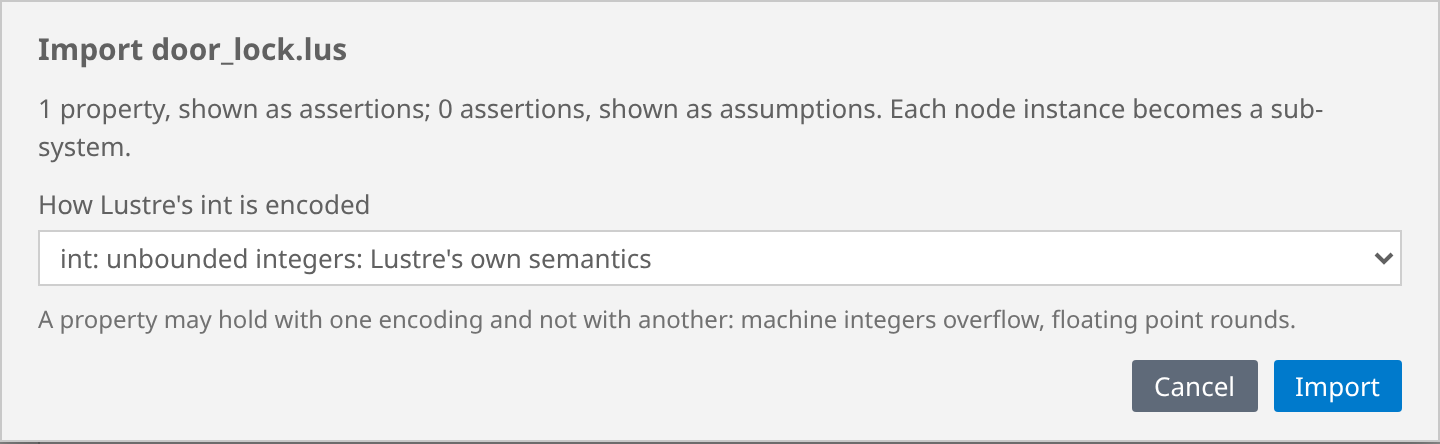
Lustre's int is an unbounded integer; a circuit can keep that meaning, or
read it as a machine integer of 8 to 64 bits, as the code generated from the
model would. A property may hold with one encoding and not with another:
machine integers overflow. (A real is asked about too: rational, or
floating point.)
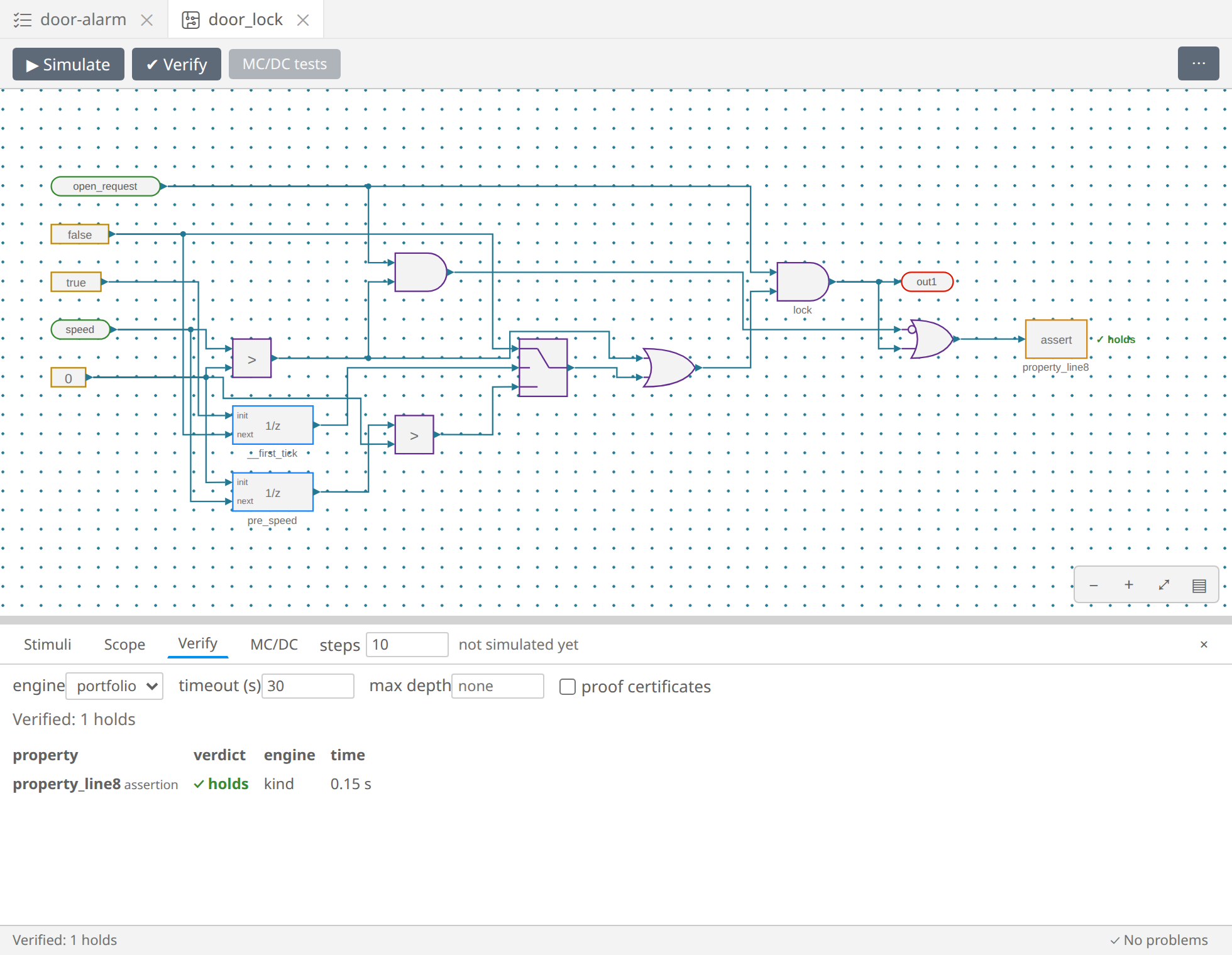
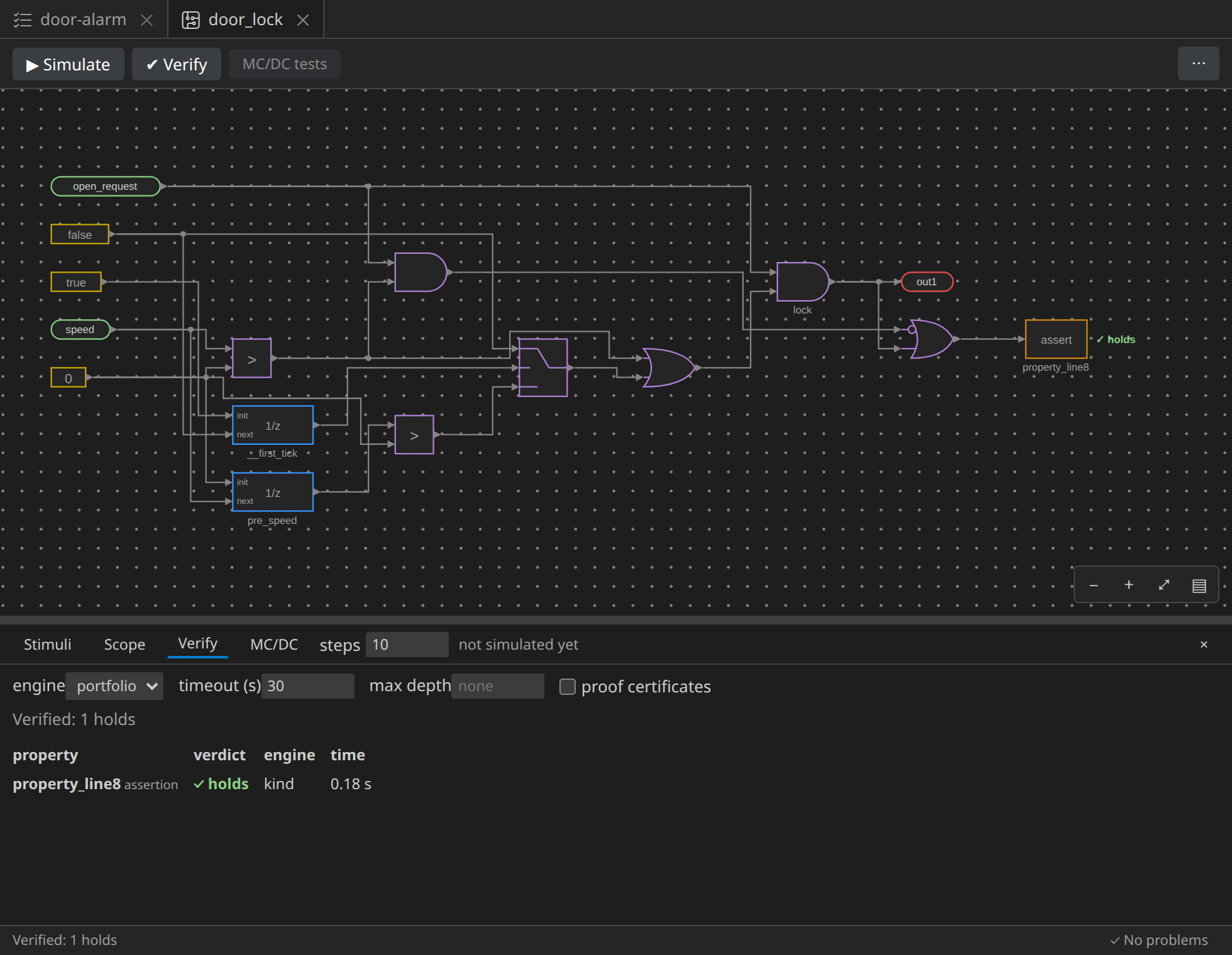
The model's --%PROPERTY became an Assertion, its asserts would
become Assume blocks, and each node instance a subsystem. pre became a
Unit delay, and -> a switch on the first step. ✔ Verify: it holds.
When a file has several nodes and no --%MAIN, the import asks which is
the top one. Arrays, records, enumerations, constants and Kind2's contracts
are not read yet: the import says so, with their line.
A circuit as a Python program
The other way: open door-controller, and in the editor's ⋯ menu,
Export to Python. The intrepyd program of the circuit opens beside it:
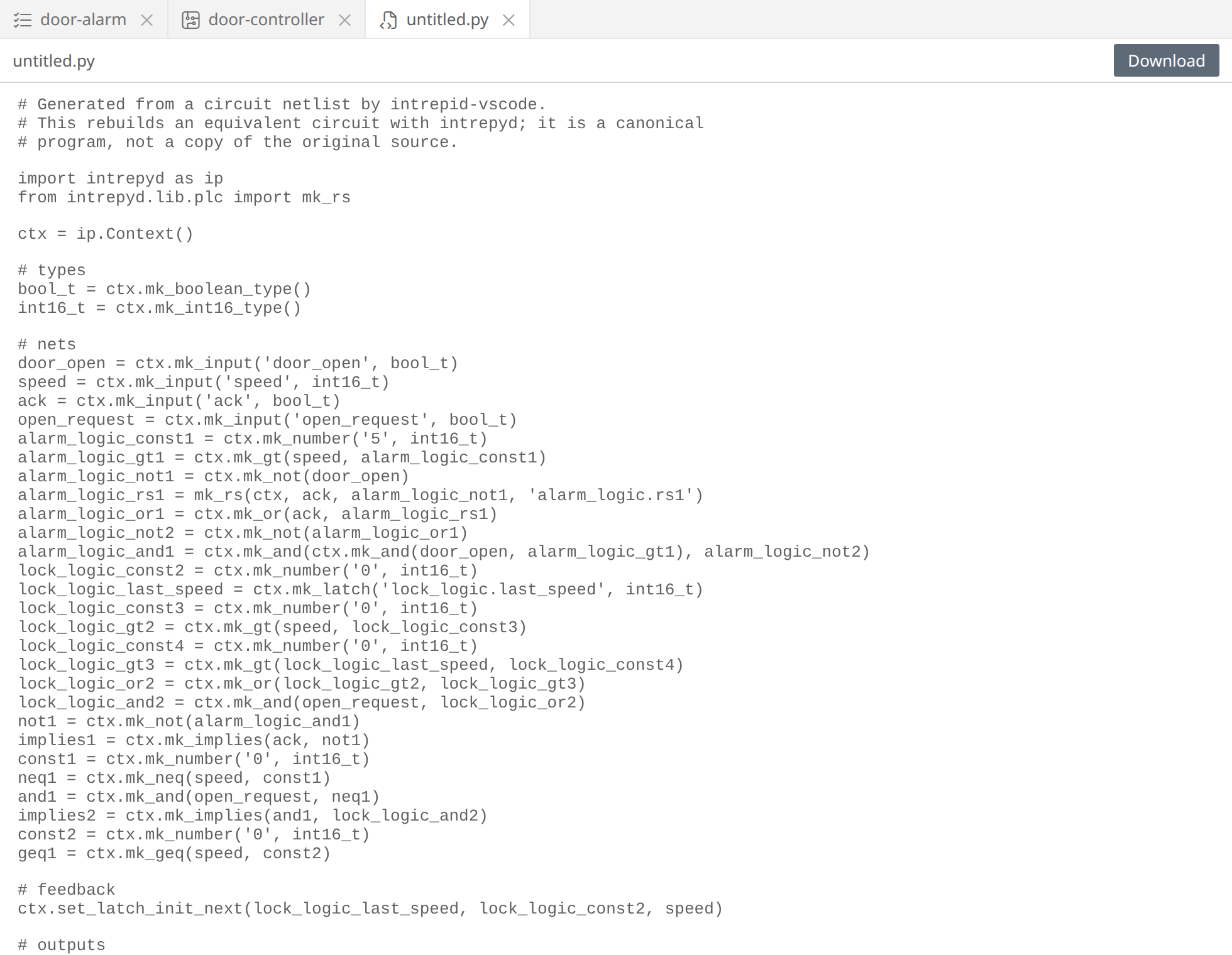
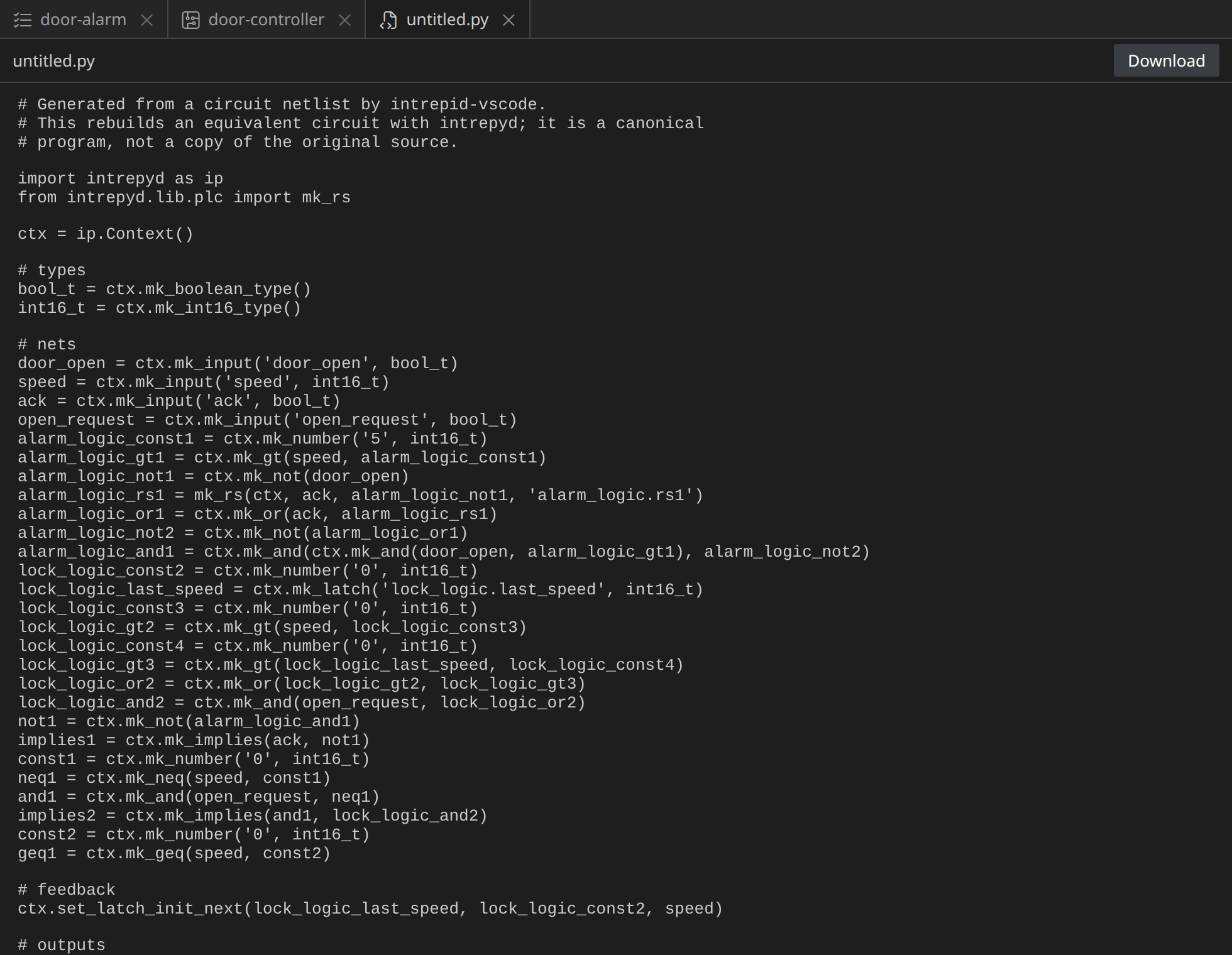
Subsystems are flattened, their blocks named after them
(alarm_logic_rs1). The program ends with the assumptions and the
properties, ready for an engine:
# the assumptions: the engines consider only the runs where they hold
ctx.push_assumption(geq1)  # speed_not_negative

# the properties, as targets: reached means an assertion fails, or a target is reached
targets = {
    'ack_silences': ctx.mk_not(implies1),  # assertion
    'locked_in_motion': ctx.mk_not(implies2),  # assertion
    'alarm_sounds': alarm_logic_and1,  # target
}
An assertion becomes the target of its negation: reaching it means the assertion fails. Run the program with an engine, and it answers as Verify did:
for name, target in targets.items():
    engine = ctx.mk_portfolio()
    engine.add_target(target)
    print(name, engine.reach_targets())
ack_silences EngineResult.UNREACHABLE
locked_in_motion EngineResult.UNREACHABLE
alarm_sounds EngineResult.REACHABLE
From there, intrepyd's documentation takes over: scripting, the engines' options, test generation, benchmarks. And an intrepyd program of yours opens as a circuit the same way a Lustre model does: Open Program as Diagram.
The end
That is the whole tour: requirements and their circuits, a design drawn, simulated, verified and fixed, proofs checked by an SMT solver, MC/DC tests, a report, and the ways in and out. The basics and the reference go deeper into each.