Intrepid editors
Write the requirements of a design, draw the circuit that implements it, simulate it, prove its properties or get the steps that break them, and generate the MC/DC tests that show each condition of a decision counts. That is what the Intrepid editors do, with the model checker intrepyd working underneath and out of sight.
What they do
-
Requirements
A table of requirements, each with its text for reviewers and a formula for its logic, from which its circuit is built. Requirements
-
Circuits
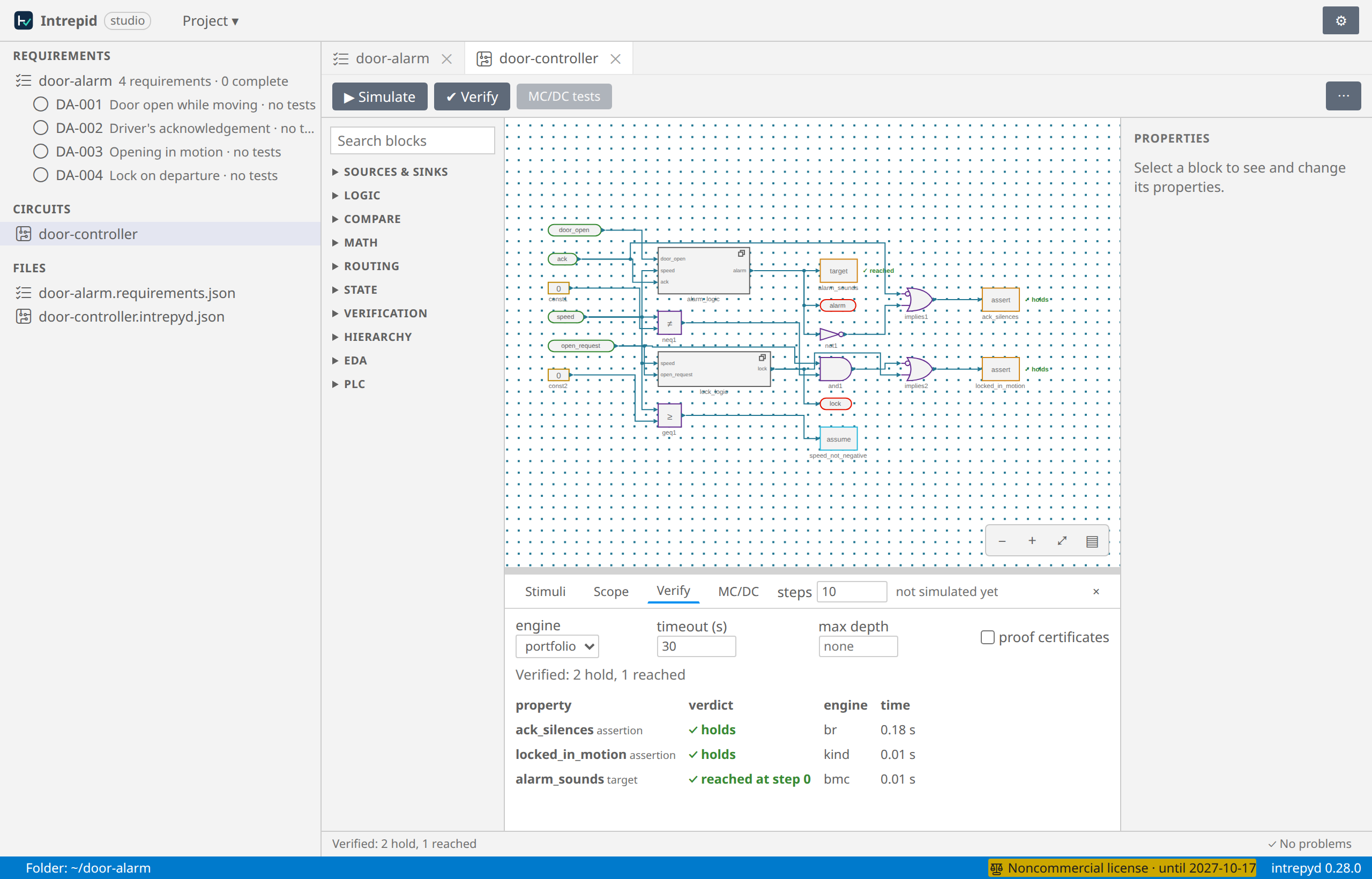
A canvas in the style of Simulink: inputs, gates, comparisons, arithmetic, delays, timers and counters, wired pin to pin, grouped into subsystems, checked as you draw. Circuits
-
Simulation
Give the inputs their values step by step, and see the outputs on the canvas and the signals in a scope. Simulating
-
Verification
An Assertion is proved to hold at every step, or comes with the steps that break it; a Target is reached, or proved unreachable. Properties and verdicts
-
Proof certificates
A property proved can come with its proof, a script any SMT solver checks, independently of intrepid. Proof certificates
-
MC/DC tests and reports
The tests that show each condition alone decides the outcome, and a report to print, a page per requirement. MC/DC tests
Three ways to use them
The editors are the same in all three; only what is around them differs.
| The VS Code extension | Intrepid Studio | The demo | |
|---|---|---|---|
| What it is | The Intrepid Circuit Editor, in Visual Studio Code | The editors in your browser, on a folder of your own machine, without VS Code | The editors on a website |
| Your files | In your workspace | In the folder you give it | In your browser, until you download them |
| intrepyd runs | On your machine | On your machine | On the site's server, within limits |
| Install | The extension, and intrepyd in a Python | pip install intrepid-studio |
Nothing |
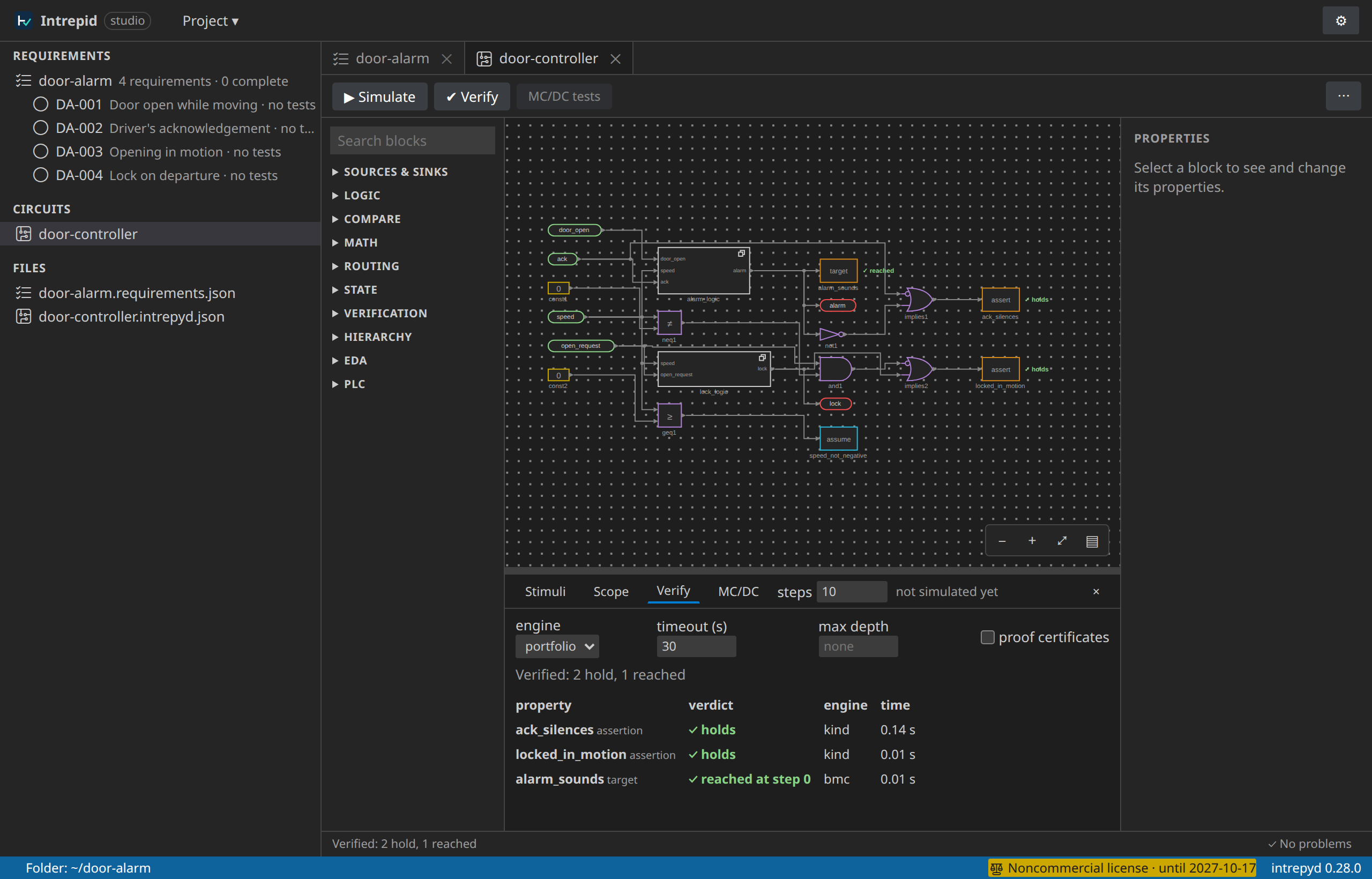
Installation says how to get each one. The screenshots of this site are of Intrepid Studio; in VS Code the editors look the same, in VS Code's colours.
Where to start
- New to the editors? Follow the tutorial: it takes a small project, a vehicle's door alarm, from its requirements to a report, and touches every feature on the way.
- Looking for something precise? The basics explain each concept, and the reference lists the blocks, the formula language, the commands and the messages.
- Writing programs rather than drawing circuits? The editors are built on intrepyd, the Python library, which has its own documentation; a circuit can be exported to a Python program and a program opened as a circuit.